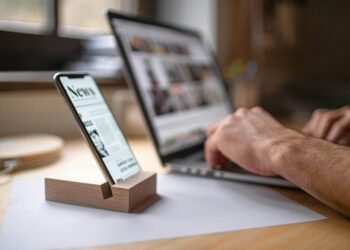

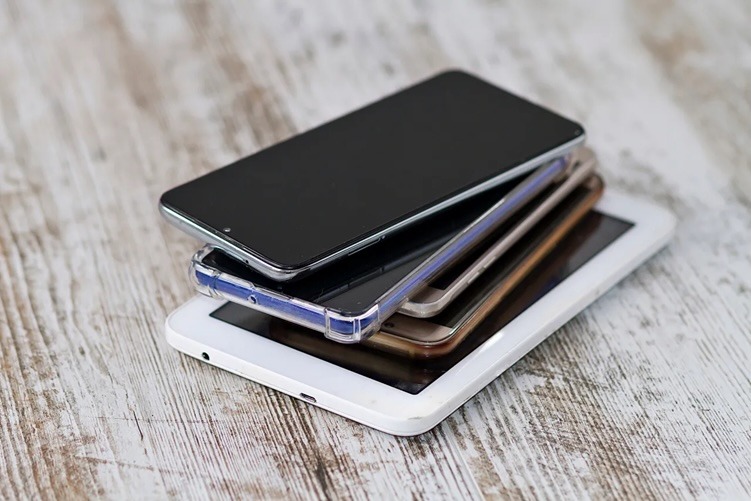
Just upgraded your smartphone for a new model? Rather than throwing it away or letting it gather dust, you could repurpose it to add value to your life.
From home automation to entertaining your kids, the possibilities are numerous.
TCL suggests 10 ways to reinvent your old device:
- Smart home hub
If you have invested in smart home devices, such as lights, thermostats, and security cameras, you could use your old smartphone to manage them. Put the smartphone in a convenient place or mount it on the wall to manage connected devices from one central screen via apps like Google Home or Alexa.
- Smart security camera
Save some money on your next security camera by using your phone instead. Apps like Alfred or CameraFTP Mobile Security Camera enable features like live streaming, motion detection, and instant alerts, helping you monitor your home remotely.
- Universal remote control
Install apps like Unified Remote as a Bluetooth or WiFi remote control for an ageing Windows PC, Mac or Linux PC, allowing you to use it as a cheap media player. Or go for apps like VIDAA Smart TV Unified Remote to simplify your experience with your smart TV.
- Digital photo frame
You can turn your device into a digital photo frame using an app with a slideshow feature, for example, Google Photos. You can display a rotating selection of your favourite pictures to remind you of your travels or your favourite moments with your friends and family.
- Dedicated music or podcast player
Load your preferred music streaming apps and connect the phone to a Bluetooth speaker for a hassle-free audio experience. This setup keeps your main phone free while enjoying uninterrupted music, audiobooks, or podcasts.
- Gaming and media device for kid
If you’re tired of sharing your phone with your kids use the old one instead. Install child-friendly apps via WiFi, and you’ve got a kid-friendly device for gaming, media and education. This allows you to limit access to specific content while keeping your primary phone free for your own use.
- Portable e-reader
Download Kindle, Google Play Books, or other e-reader apps to turn your old phone into a lightweight e-book reader. Adjust the brightness settings to create a comfortable reading experience.
- Dash cam for your car
Install a dash cam app like AutoBoy Dash Cam to use your old phone as a recording device while driving. Secure it to your windshield with a phone mount to get continuous footage of your trips.
- Baby monitor
Apps like Dormi or Baby Monitor 3G allow you to use your old phone as a baby monitor, transmitting audio and video to your main phone so you can keep an eye on your little one remotely.
- Donate or recycle
Consider donating the old phone to someone in need, selling it for extra cash, or recycling it responsibly. Many retailers and recycling programs accept old devices, ensuring they are disposed of in an environmentally friendly manner.